Quality · UK digital download
Bluebeam Quality & Punch List Tool Set
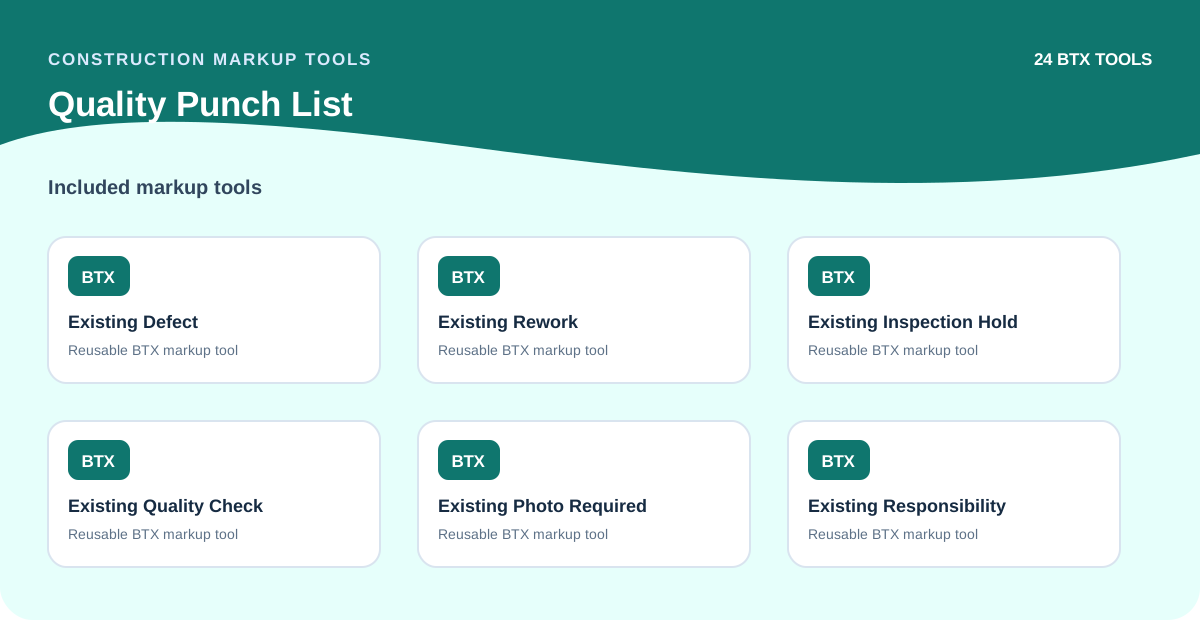
Built for quality managers, punch list teams and site supervisors, this toolset covers punch list item markers, defect annotations, quality inspection symbols, snag notes and closeout review marks. Keep your quality and punch list documentation clear and consistent across every project.
Normally instant. Very rarely, an updated or modified product may be delivered by email within 24 hours.
Guest checkout available
No account or password is required. Stripe collects your email for the receipt and delivery record, and lets you add a phone number if you prefer to provide one for contact.
Prices are shown in USD using the dated ECB rate displayed in the currency selector. Stripe rechecks that same rate and amount before checkout. Any tax collected is shown by Stripe Checkout; an account is not required to purchase.
Choose the way you want to buy
Buy an individual download immediately, license the same pack for a team, or request a Tool Chest built around your company standard.
Individual instant download
One licensed user, secure Stripe checkout, and immediate access after payment.
Team or multi-user licence
Get written multi-user scope and controlled internal deployment for your organisation.
Request team pricingCustom company Tool Chest
Scope bespoke symbols, naming, colours, review stages, source files, and licensed deployment.
Request a custom quoteProduct specifications
- Product ID / format
- BTX, PNG and SVG in a ZIP
- Compatibility
- Bluebeam Revu 21 (BTX import-tested in 21.9), PNG/SVG source fallback
- Verified contents
- 24 tools across 1 BTX file
- Delivery and licence
- Secure post-payment download; commercial-project use included
What's Included
- Punch list item markers
- Defect annotation symbols
- Quality inspection marks
- Snag note tools
- Closeout review annotations
- Bluebeam setup guide (HTML)
Compatible With
- Bluebeam Revu 21 (BTX import-tested in 21.9)
- PNG/SVG source fallback
How to Use
The fastest route is our free, open-source Tool Set AutoLink utility. Manual import remains available through Revu's Tool Chest.
- 1Download the ZIP package after purchase.
- 2Open Tool Set AutoLink and choose the ZIP.
- 3Review the validated BTX files and locate Revu.exe if it is not detected automatically.
- 4Select Import to Revu, then verify the imported sets in the Tool Chest before live work.
- 5For manual import, extract the ZIP and use Tool Chest > Manage Tool Sets > Import.
- 6PNG and SVG sources are included for custom editing.
Use Cases
FAQs
Licence: This product is licensed for use by the individual purchaser across their construction projects. Team and multi-user licences are available. See the Licence Terms for full details, or request a team licence.
Refunds: 30-day money-back guarantee on all purchases. If the toolset does not work with your version of Bluebeam Revu or you are not satisfied, contact us within 30 days. Refund Policy
Bluebeam is a trademark of its respective owner. Construction Markup Tools is an independent resource and is not affiliated with, sponsored by, or endorsed by Bluebeam, Inc. All products are original resources created to support construction markup workflows.
Related Products
 New
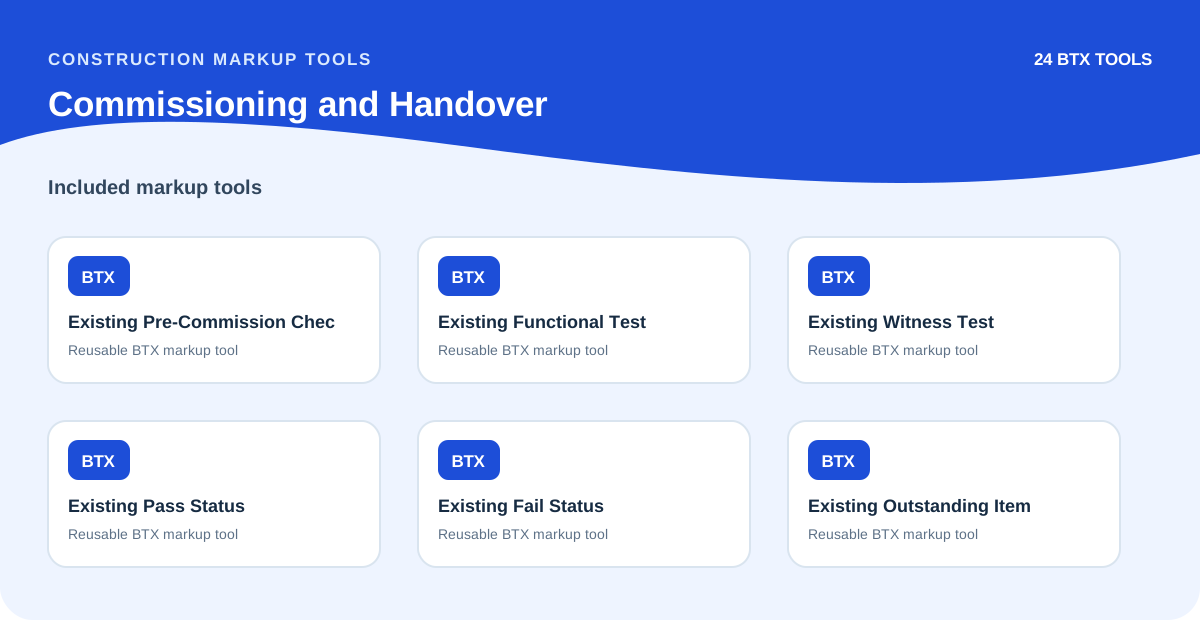
NewBluebeam Commissioning & Handover Tool Set
Markup symbols for commissioning checks, test status, handover evidence, sign-off annotations and closeout reviews.
 New
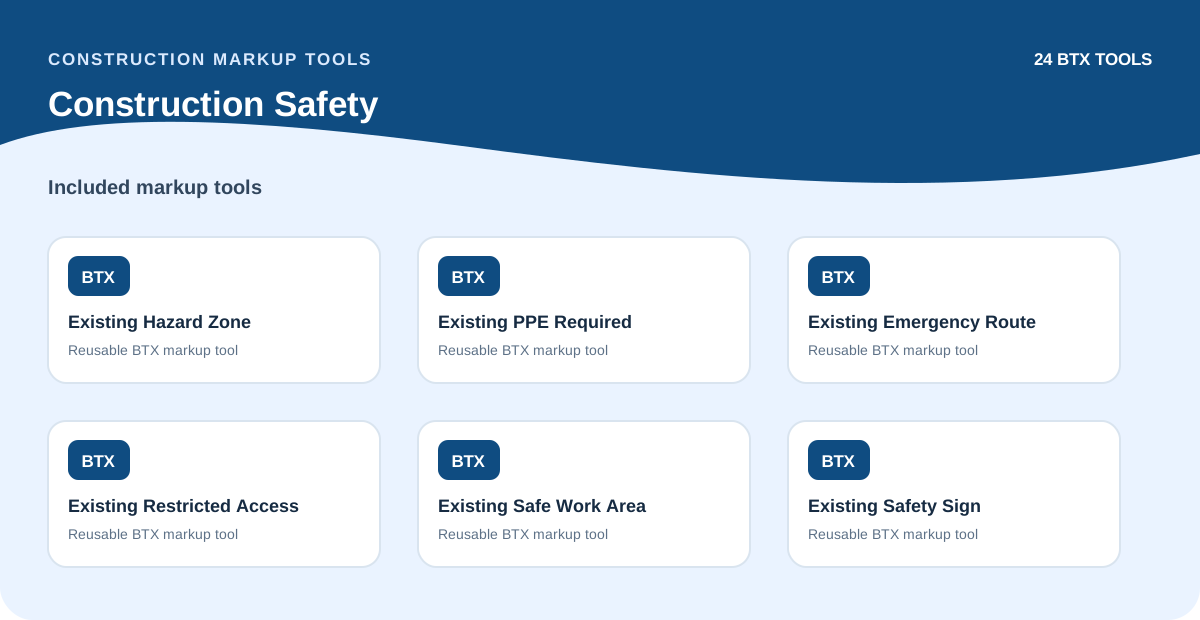
NewBluebeam Construction Safety Tool Set
Markup symbols for safety zones, hazard identification, PPE requirements, access control and site safety annotations.
 Bundle
Bluebeam Field, Quality & Handover Bundle
Combined pack for construction safety, quality and punch list, and commissioning and handover workflows.
Get this toolset working in your Tool Chest today
One-time payment. Instant BTX download. 30-day money-back guarantee if it does not fit your Revu workflow.